beam 分析+erlang反汇编
https://www.erlang.org/doc/apps/stdlib/beam_lib.html
https://www.cnblogs.com/unqiang/p/3737457.html
http://doofuu.com/article/4156131.html
https://segmentfault.com/a/1190000041013489
beam 分析
对17.9.2 erlang beam文件分析
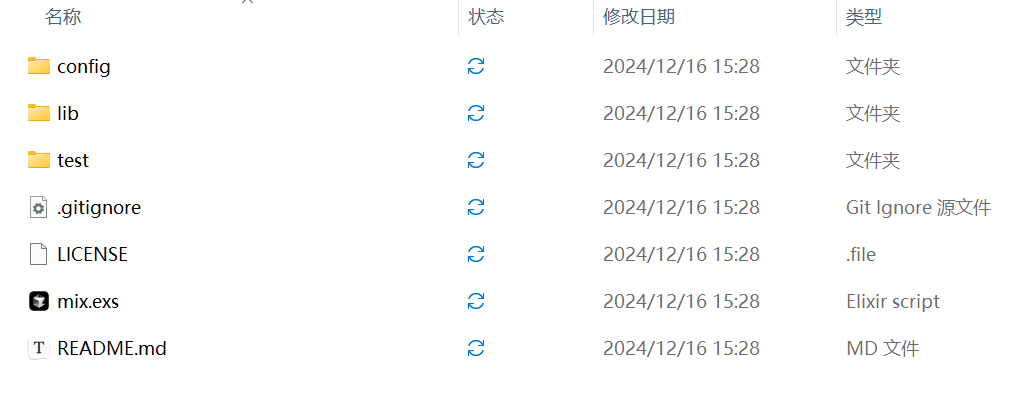
1.beam_analyzer-master工具分析
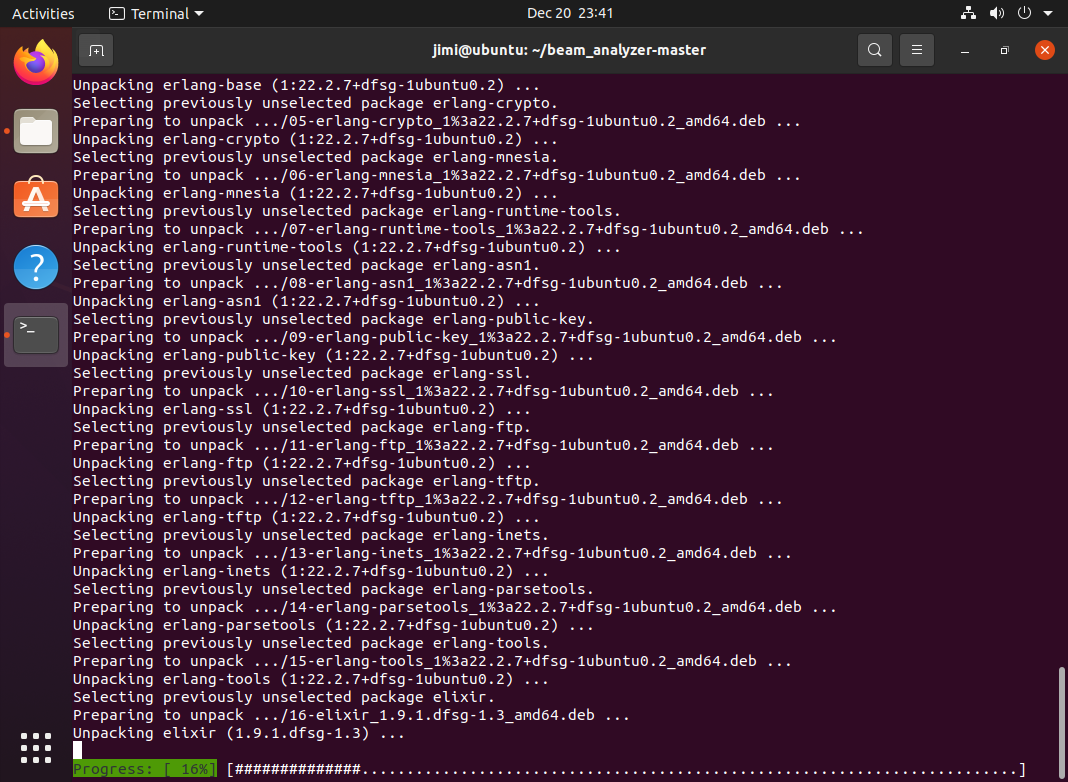
ubuntu部署erlang、 elixir环境
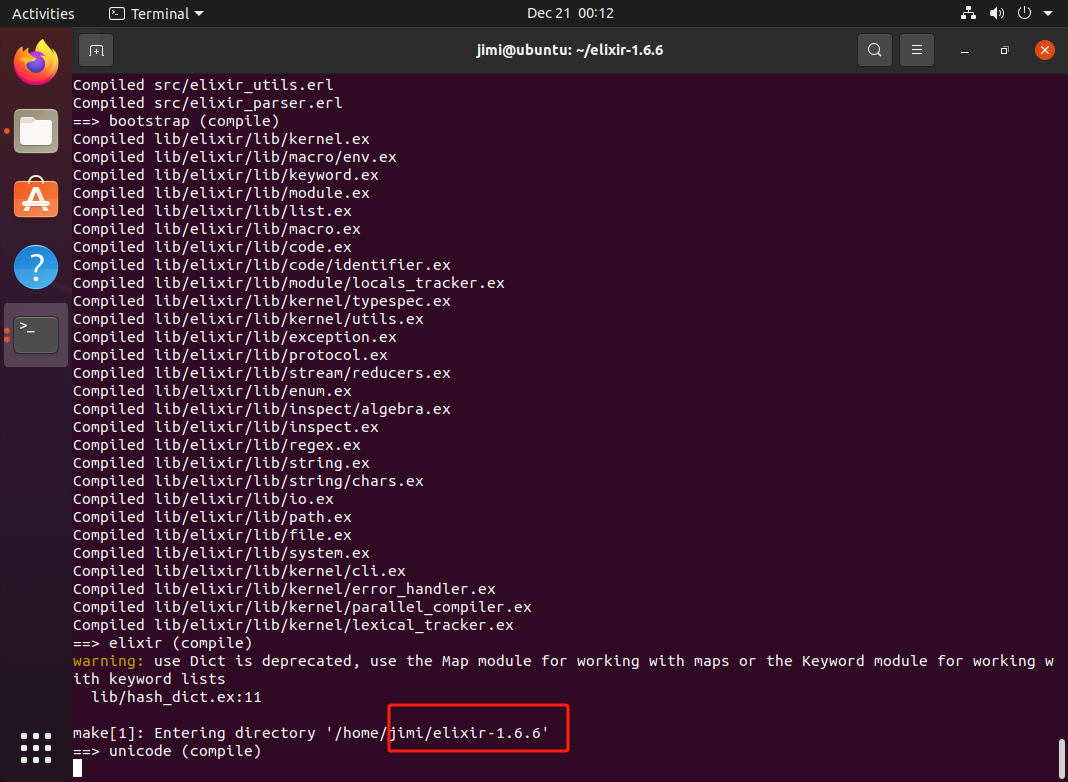
运行beam_analyzer-master显示版本不兼容,重新下载低版本的elixir
编译项目:
mix deps.get
mix compile
运行测试:
mix test
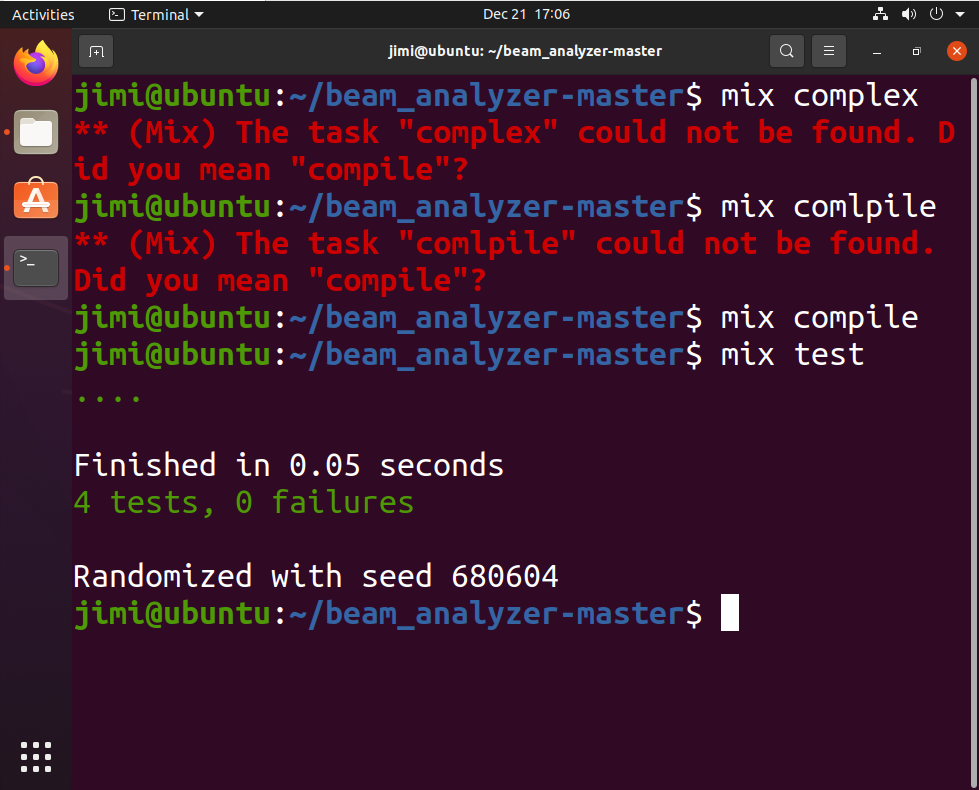
跑通4个测试用例
使用BeamAnalyzer对思科beam文件进行测试:
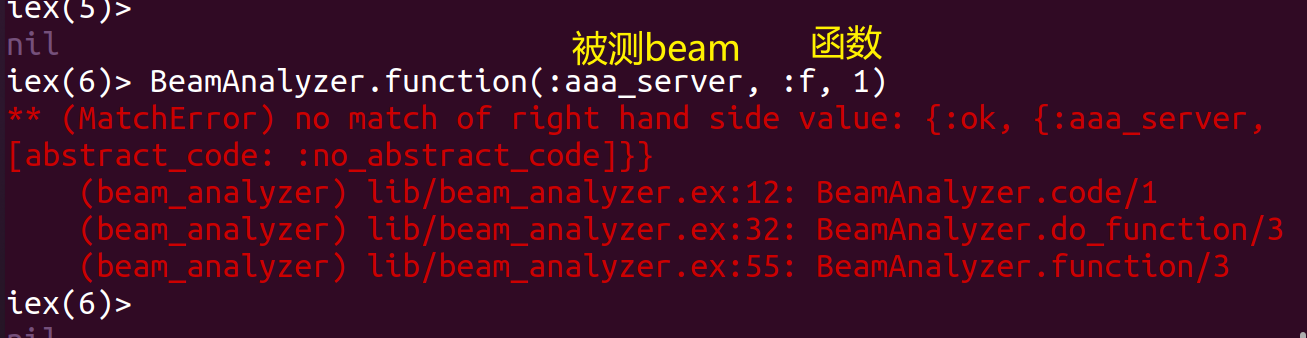
测试多个beam文件,结果均失败
分析beam_analyzer源码(beam_analyzer-master\lib\beam_analyzer.ex)
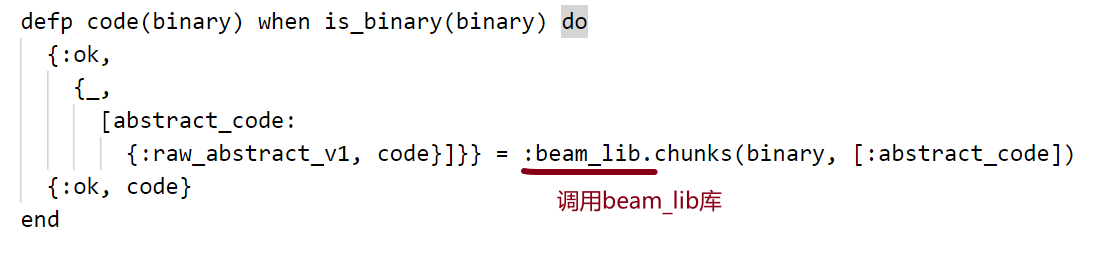
1.BeamAnalyzer 的核心是利用 Erlang 的 :beam_lib 模块来提取和解析 BEAM 文件中的 abstract_code 块。
2.如果编译时没有添加 +debug_info,:beam_lib 无法找到 abstract_code,解析会失败。
总结:只有编译的时候包含(+debug_info)参数 的 .beam 文件才能被 BeamAnalyzer 解析成抽象代码(AST)。
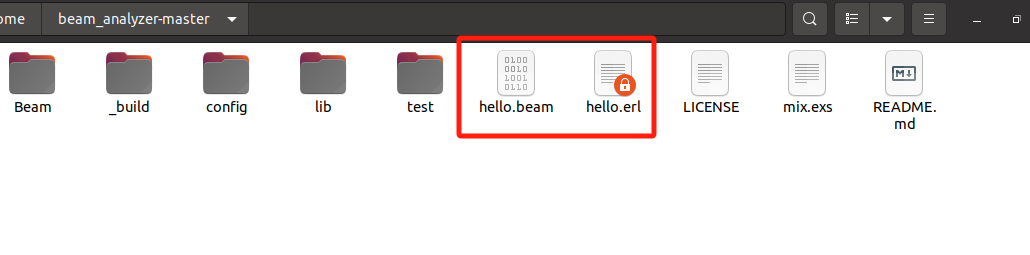
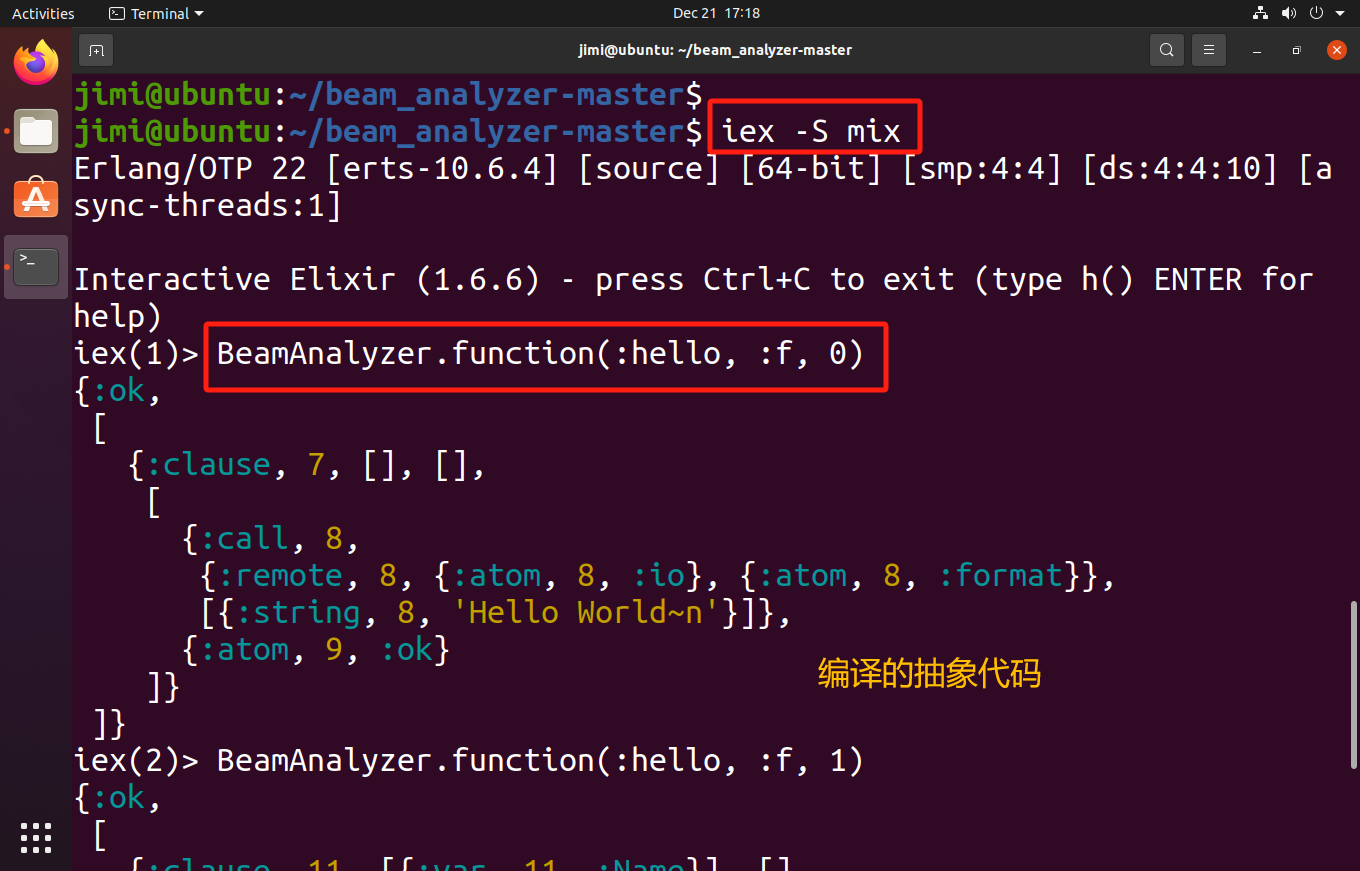
验证:自己写一个简单的erlang程序(hello.erl),在编译的时候加(+debug_info)参数,才能被beam_analyzer编译成抽象代码

2.beam2erl分析
beam2erl与beamanalyzer同理,均调用beam_lib库
无法抽象代码

使用 Erlang 对.beam 分析
如果你希望分析 .beam 文件中的代码,可以使用 Erlang 的 beam_lib 模块来反编译 .beam 文件。反编译后的代码可以作为源代码提供给 SonarQube 进行分析。
步骤:
- 使用
beam_lib:chunks/1等函数反编译.beam文件。 - 获取
.beam文件的源代码,转化为 Erlang 源代码格式(.erl)。 - 将反编译的
.erl文件提供给 SonarQube 进行分析。

原因:
1.beam文件无抽象代码
2.elixir编译运行的时候进行crypt
操作:
elixir 或 erlang 或其它运行在 beam vm 上的语言,都会被编译成 .beam 文件。那么能否通过这些文件重建 erlang 代码呢?答案是可以的。
1 | |
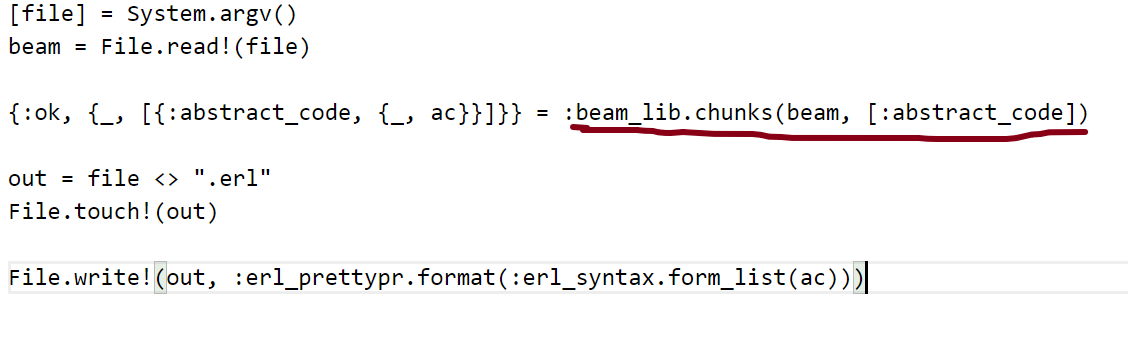
代码释义:
1.从命令行获取 .beam 文件的路径。
2.读取 .beam 文件内容。
3.使用 :beam_lib.chunks/2 提取出 .beam 文件的抽象代码(abstract_code)。
4.将抽象代码格式化为 Erlang 源代码。
5.将生成的 Erlang 源代码写入新的 .erl 文件中。
将上面的代码保存为 beam2erl.exs 文件。
然后我们随便找一个 elixir 文件, 比如:
1 | |
将其编译,然后把对应的 beam 文件复制到beam2erl.exs的目录下,再执行:
$ elixir beam2erl.exs Elixir.Demo.beam
就能看到生成了一个.erl文件,内容是:
1 | |
上面的一大串是模块中内置的函数,最后一行是我们代码的内容。
有了这个小脚本,学习和调整包含复杂的 elixir 宏的代码,就方便多了。
可以整理成一个函数
1 | |